> For the complete documentation index, see [llms.txt](https://docs.nexthink.com/llms.txt). Markdown versions of documentation pages are available by appending `.md` to page URLs; this page is available as [Markdown](https://docs.nexthink.com/platform/ja/configuring_nexthink/bringing-data-into-your-nexthink-instance/integrating-nexthink-with-third-party-tools/api-and-integrations-classic/other-integrations-classic.md).
# その他の統合 (クラシック)
## 概要
NexthinkはあなたのITインフラから大量の情報を収集し処理します。このシステムは、企業ネットワーク内のマシンの設定、プログラムインストール、アプリケーション実行、ユーザーのやり取り、ネットワーク接続、システム障害を監視することができます。このようにして、NexthinkはITインフラ内部で何が起こっているのかを従業員の視点から提供します。このデータはどのIT部門にとっても非常に価値があります。ただし、通常のIT部門は一つのツールだけでなく、さまざまな目的のために複数のツールを使用しています。利用可能なツールを便利に組み合わせる能力は、IT部門の効率性において重要な要素です。
以下のドキュメントは、Nexthinkが標準プロトコルおよび一般的な交換形式を使用してサードパーティツールとデータをやり取りし共有するための組み込みのメカニズムについて説明しています。その後、あなたのITチームは、Nexthinkの監視機能を活用し、必要なサードパーティソフトウェアと統合することで、完全なITソリューションを構築できるようになります。
## 認証方法(クラシック)
{% hint style="info" %}
クラシック以外の API にアクセスするには、[API 認証情報](/platform/ja/user-guide/administration/account-management/api-credentials.md)ページに切り替えることができます。
{% endhint %}
### ユーザーアカウント(クラシック)
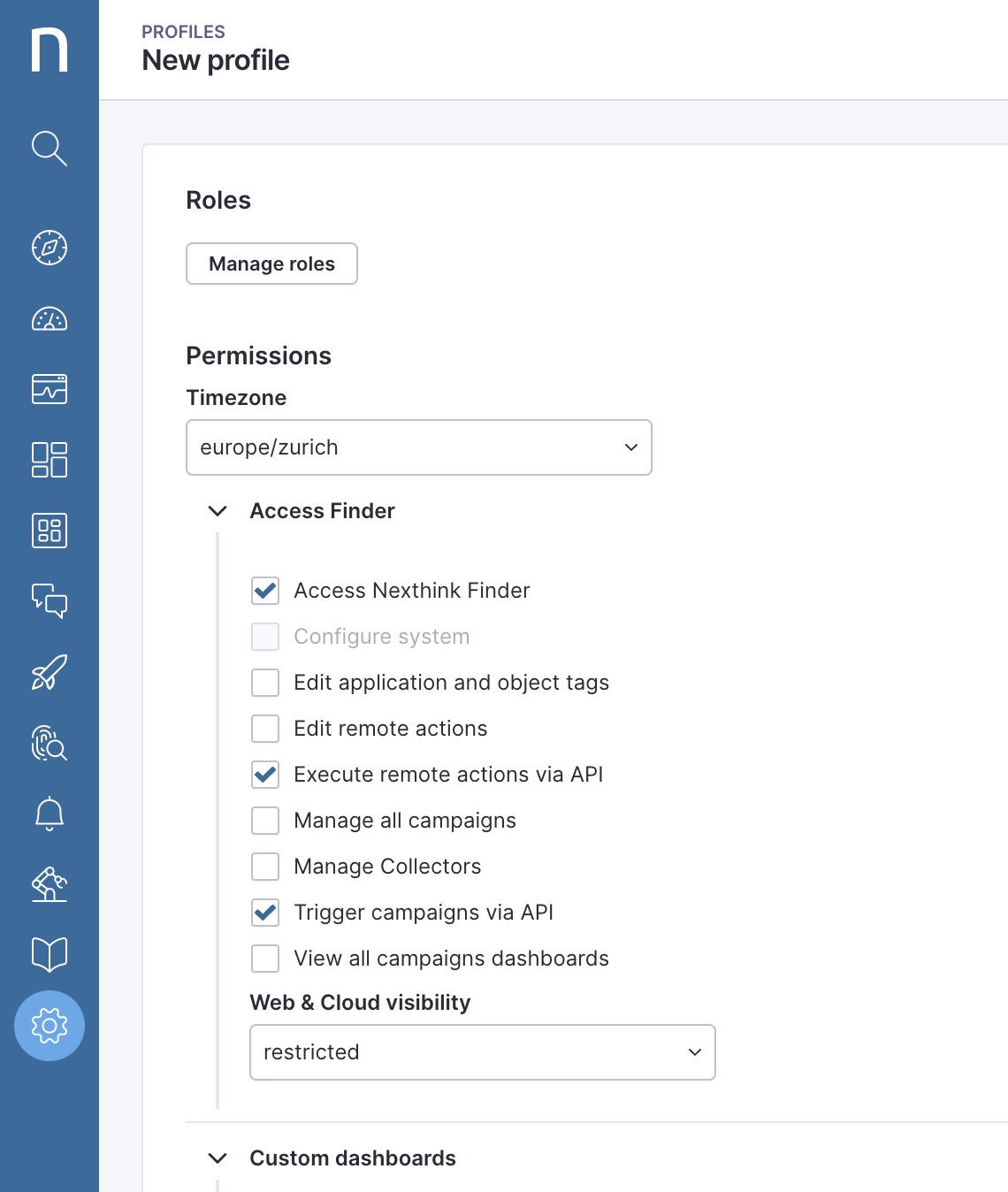
データプライバシーが「なし(フルアクセス)」に設定され、Finderアクセスが有効になっているユーザーアカウントは、APIを利用できます。詳細については、[プロファイル(クラシック)](/platform/ja/user-guide/administration/account-management/profiles-classic.md)ドキュメントを参照してください。
ユーザーの認証情報は基本的なHTTP認証で確認されます。ユーザーごとの可視性と情報レベルは、Portalのプロファイルに定義されている内容と同一です。
基本的なHTTP認証はリクエストにより無効にすることができます。 [Nexthink サポート](https://support.nexthink.com/)に問い合わせて、詳細情報を入手してください。基本的なHTTP認証はNXQLエディターを使用するために必要であることに注意してください。
### OAuth(クラシック)
OAuthというアクセス委譲のためのオープン標準を利用して、さまざまなAPIにアクセスするためのNexthinkのWebインターフェースを設定できます。
* [ウェブAPI](/platform/ja/configuring_nexthink/bringing-data-into-your-nexthink-instance/integrating-nexthink-with-third-party-tools/api-and-integrations-classic/nxql-api-classic/introducing-the-nxql-api-classic.md)
* [監査ログAPI](/platform/ja/configuring_nexthink/bringing-data-into-your-nexthink-instance/integrating-nexthink-with-third-party-tools/api-and-integrations-classic/audit-trail-api-classic.md)
* [エンジンリストAPI](/platform/ja/configuring_nexthink/bringing-data-into-your-nexthink-instance/integrating-nexthink-with-third-party-tools/api-and-integrations-classic/other-integrations-classic/list-engines-api-classic.md)
* [Remote Actions](/platform/ja/configuring_nexthink/bringing-data-into-your-nexthink-instance/integrating-nexthink-with-third-party-tools/api-and-integrations-classic/other-integrations-classic/triggering-remote-actions-via-their-api-classic.md)
* [データエンリッチャー](/platform/ja/configuring_nexthink/bringing-data-into-your-nexthink-instance/integrating-nexthink-with-third-party-tools/api-and-integrations-classic/data-enricher-classic.md)
認証の手順
1. 適切なロールを持つローカルユーザーを作成します。
2. OAuthクライアントIDとシークレットキーを取得するために[Nexthinkサポート](https://support.nexthink.com/)に連絡してください。
3.
* `"service:engines"` (エンジンリストAPI)
* `"service:audit-trail"` (監査ログAPI)
* `"service:remoteaction"` (リモートアクションAPI)
* `"service:nxql"` (NXQL API)
* `"service:enrichment"` (データエンリッチAPI)
4. ベアラートークンを使用してAPIを呼び出します。
---
# Agent Instructions
This documentation is published with GitBook. GitBook is the documentation platform designed so that both humans and AI agents can read, navigate, and reason over technical content effectively. Learn more at gitbook.com.
## Querying This Documentation
If you need additional information that is not directly available in this page, you can query the documentation by asking a question.
Perform an HTTP GET request on the following URL with the `ask` and `goal` query parameters:
```
GET https://docs.nexthink.com/platform/ja/configuring_nexthink/bringing-data-into-your-nexthink-instance/integrating-nexthink-with-third-party-tools/api-and-integrations-classic/other-integrations-classic.md?ask=&goal=
```
`ask` is the immediate question: it should be specific, self-contained, and written in natural language.
`goal` is what the user is ultimately trying to achieve, the reason they need the answer. Sharing it helps GitBook give you a better, more relevant answer. A goal is most helpful when it describes the outcome the user wants rather than restating the question. For example, with `ask=how do I create an API token`, a goal like `automate deployments from our CI pipeline` lets GitBook tailor the answer to that use case.
The response will contain a direct answer to the question and relevant excerpts and sources from the documentation.
Use this mechanism when the answer is not explicitly present in the current page, you need clarification or additional context, or you want to retrieve related documentation sections.