> For the complete documentation index, see [llms.txt](https://docs.nexthink.com/llms.txt). Markdown versions of documentation pages are available by appending `.md` to page URLs; this page is available as [Markdown](https://docs.nexthink.com/getting-started/understanding-nexthink-content.md).
# Understanding Nexthink content
Once you log in to Nexthink and start navigating the platform, you’ll see data collected from endpoint devices and external sources transformed into insightful dashboards and actionable tools. These dashboards and tools are organized into modules or available as standalone platform components.
## What content can you find in Nexthink?
The following chart outlines core features and content that you can find in the Nexthink web interface.
```mermaid
flowchart TB
A(Nexthink content)
A --- Core(Core platform content)
Core --- A1(Dashboards, views, overviews that define the product. Available instanly after Nexthink setup.)
A --- Config(Configurable content)
Config --- Next(Nexthink-controlled configurable content)
Next --- Sys(System content)
Sys --- A2(Content available automatically after Nexthink instance setup. Allows for limited customization. )
Next --- Lib(Library content)
Lib --- A3(All content available in the Nexthink Library that Nexthink users can install.)
Config --- Org(Organization-controlled configurable content)
Org --- Cust(Custom)
Cust --- A4(All content created from scratch or copied by the Nexthink user.)
Org --- Copy(Copied from library)
Copy --- A5(All content copied from Nexthink Library for further customization.)
classDef default fill:#011130,color:white,stroke-width:0px
classDef description fill:#DAE3EC,color:black,stroke-width:0px
classDef nexthink_dark_blue fill:#011130,color:white, stroke:#1E88E5,stroke-width:0px
classDef nexthink_blue fill:#1046A8,color:white,stroke-width:0px
classDef nexthink_light_blue fill:#3194F7,color:white,stroke-width:0px
classDef purple fill:#803795
classDef green fill:#00B1A9
classDef blue_shade fill: #b7c7e4, color:#221F20
classDef blue_shade2 fill: #e7ecf6, color:#221F20
classDef light_blue_shade fill:#eaf4fe, color:#221F20
classDef green_shade fill:#e5f7f6, color:#221F20
classDef purple_shade fill:#f2ebf4, color:#221F20
classDef nexthink_dark_blue_stroke fill:#0000,color:#221F20, stroke:#011130,stroke-width:2px
%%class A nexthink_dark_blue_stroke
class A1 blue_shade2
class A2 light_blue_shade
class A3 light_blue_shade
class A4 purple_shade
class A5 purple_shade
class Core nexthink_blue
class Next nexthink_light_blue
class Sys nexthink_light_blue
class Lib nexthink_light_blue
class Config green
class Org purple
class Cust purple
class Copy purple
```
### Core platform content
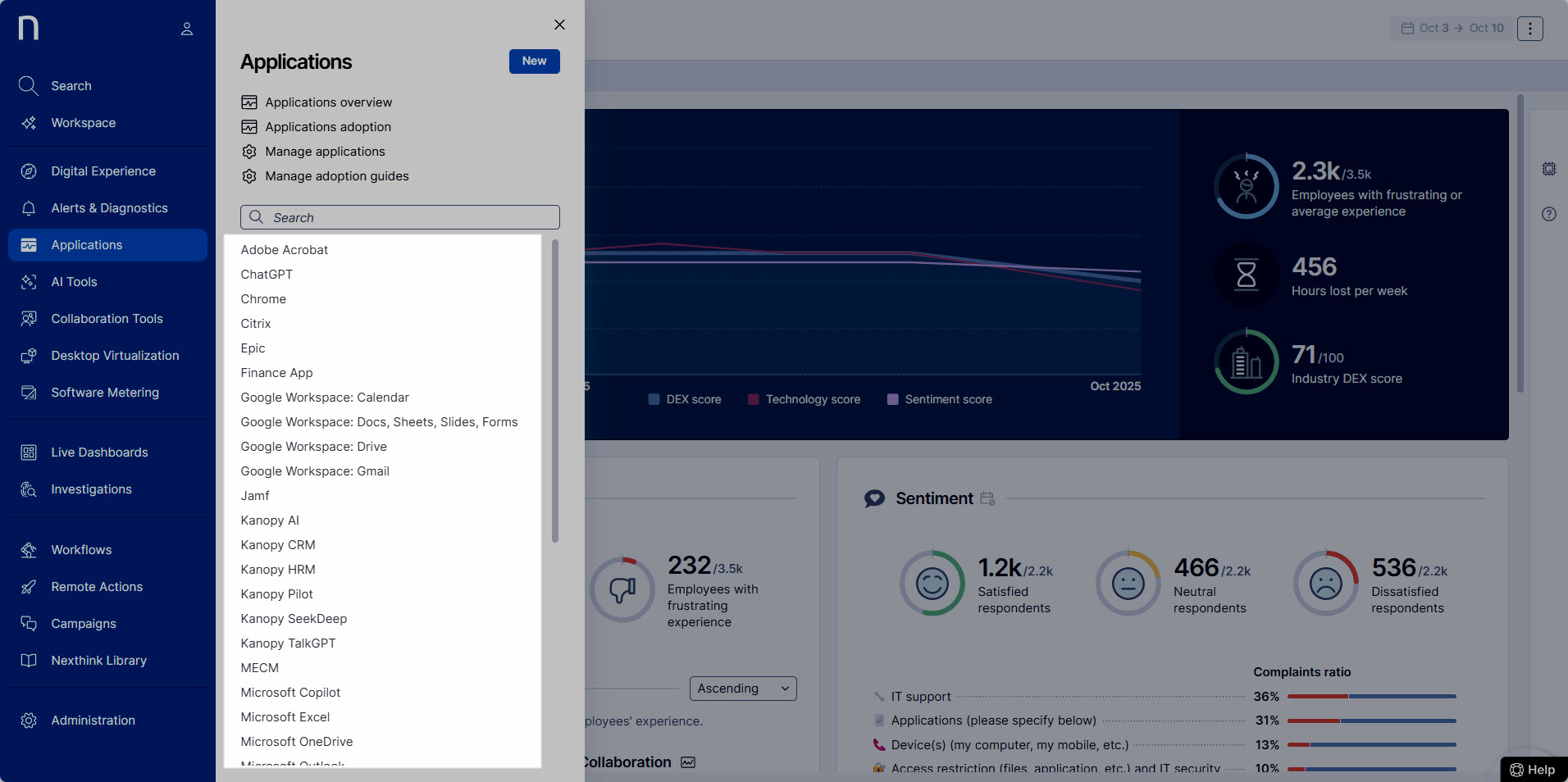
Some elements, such as dashboards in the Diagnostics module or the Device view, are *core platform content*. You will see these as soon as Nexthink is properly configured and data collection is active (See [Configuring Nexthink](/configuring_nexthink.md) ).
### Configurable content
Within these modules and components, you will also encounter *configurable content*. In Nexthink, *configurable* *content* refers to elements that you can create, customize, or install through the Nexthink web interface, such as monitors, campaigns or custom fields. Typically, specific content items are available through the module's navigation panel.
## Origin of Configurable content in Nexthink
Configurable content in Nexthink can either be created by your team or sourced from Nexthink’s predefined library. When using content, such as interacting with dashboards or executing remote actions, you will not notice any functional difference based on its origin.
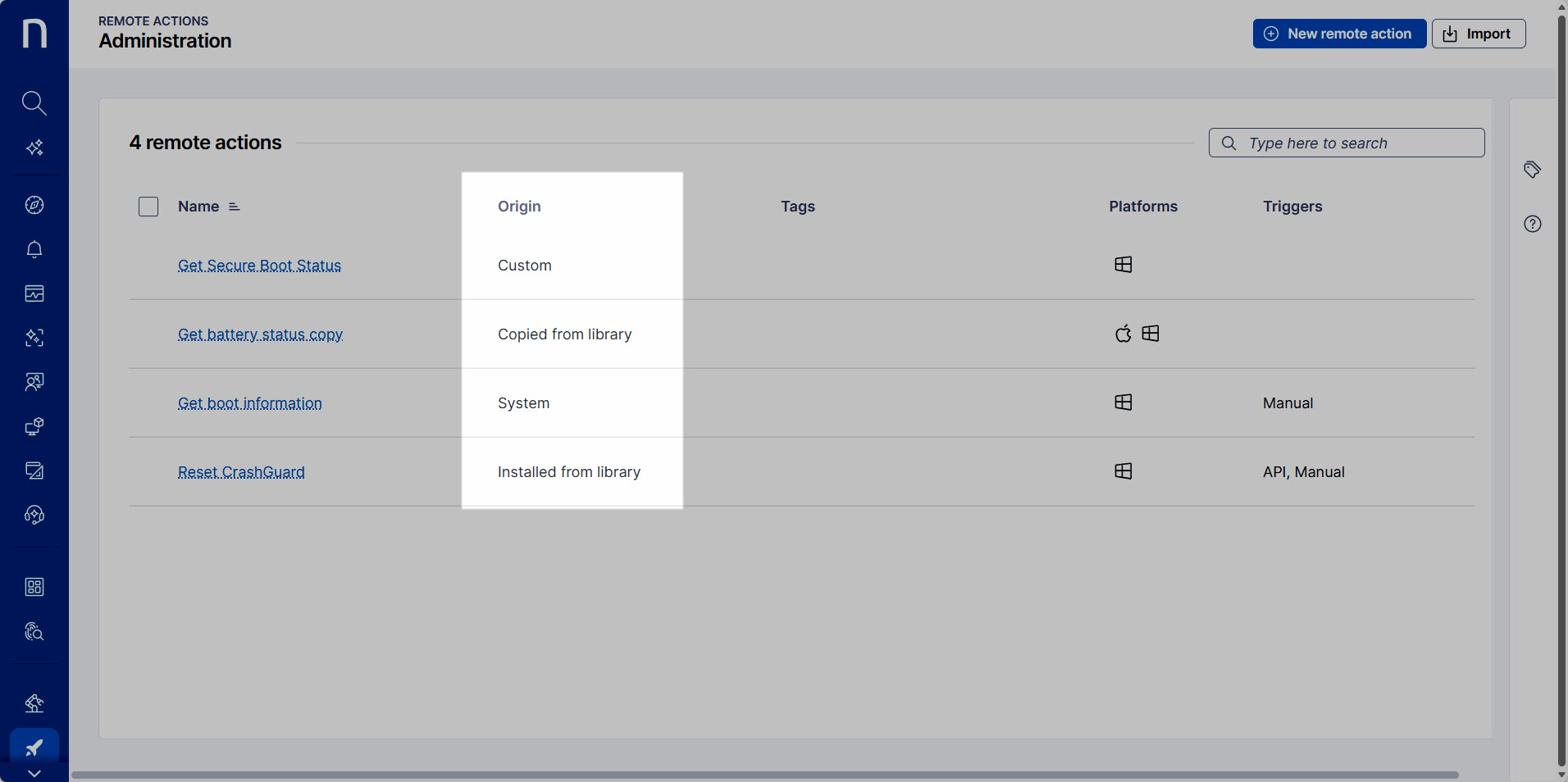
However, when managing content, the available options may vary depending on how the content was added. If you have the necessary permissions, you can check the origin of any configurable content item by referring to the **Origin** column on the module’s **Administration** page.
The following sections explain the different types of content origin and how they affect content management.
### Nexthink-controlled configurable content
Nexthink-controlled configurable content, also known as *built-in* content, is a predefined set of solutions. It includes the ready-made content items designed to help your organization apply Nexthink capabilities, best practices, and proven use cases.
Although some types of content from this category can be customized, the customization options are limited.
Nexthink controls and maintains this content, ensuring it stays up to date with the latest platform capabilities and best practices.
Nexthink-controlled configurable content includes **System** content and content **Installed from library**.
System
**System content** is automatically installed from the Nexthink Library and becomes available as soon as Nexthink is set up and the relevant module is enabled. System content is automatically updated by Nexthink and cannot be deleted.
This type of content is labeled as **System** on the feature's **Administration** page.
Details about system content are available in the **Nexthink Library** module in the Nexthink web interface.
Installed from library
Nexthink users with proper permissions can manually install additional built-in content from the **Nexthink Library** module. After installation, these items appear within the corresponding module and are labeled as **Installed from library** in the feature's **Administration** page.
Nexthink periodically provides updates that you can choose to apply from the Nexthink Library module in the web interface.
Refer to [Nexthink Library](/user-guide/nexthink-library.md) documentation for more information.
### Organization-controlled configurable content
You may also work with the organization-controlled content. This refers to any content that has been added to your environment in one of the following ways:
* Created from scratch
* Imported from a file
* Copied from Nexthink Library
All organization-controlled content items are fully adjustable.
Organization-controlled configurable content includes **Custom** content and content **Copied from library**.
Custom
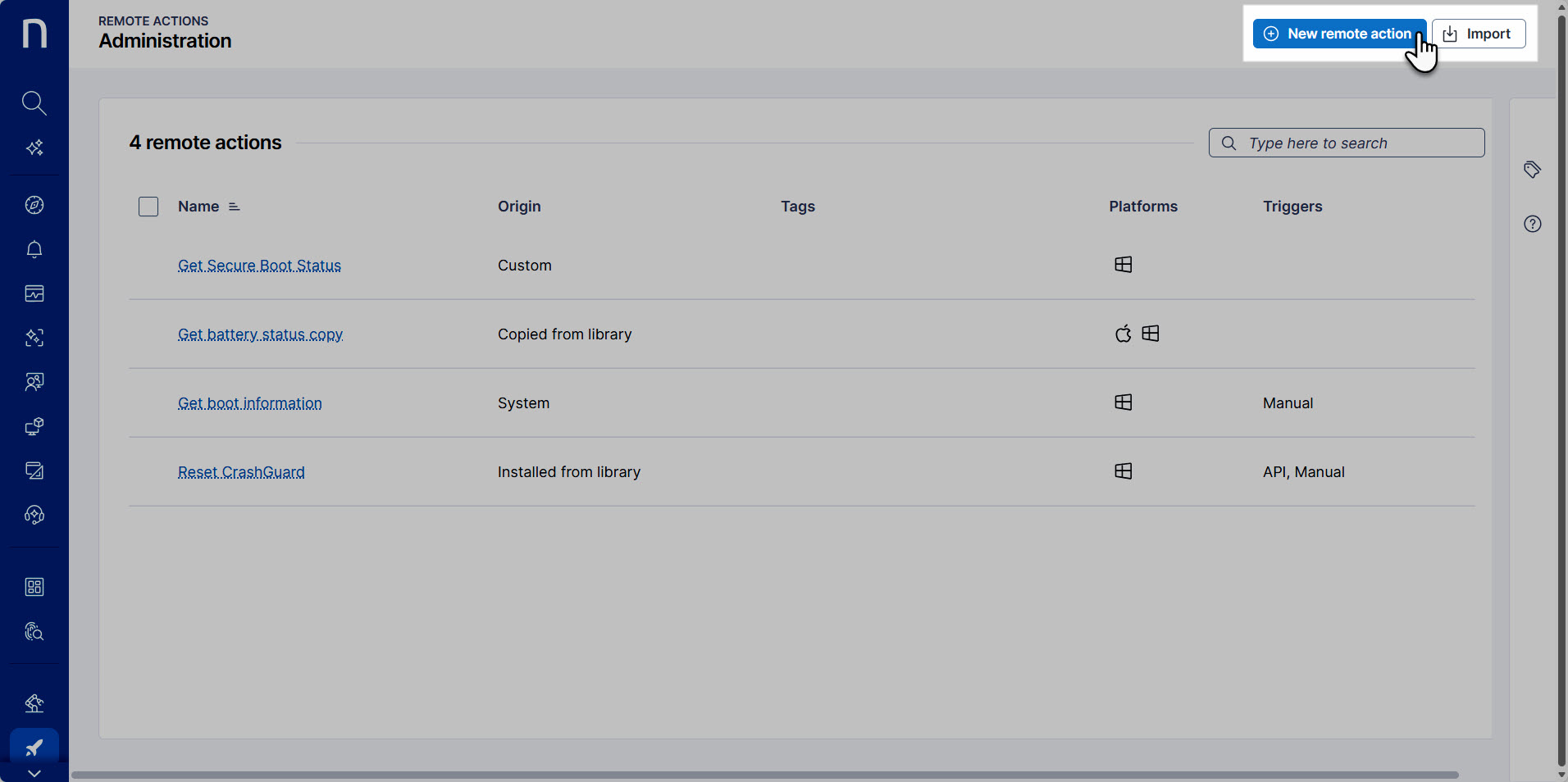
Nexthink users can create content manually using the **New\...** button, available from the navigation panel or the module’s **Administration** page. Alternatively, they can import a content file in JSON format from their local machine.
* Creating content from scratch may require familiarity with Nexthink-specific tools and design principles, such as NQL queries or Campaign design.
* Imported content typically originates from content previously exported from another Nexthink environment. While it is preconfigured, it remains fully customizable.
Content items created from scratch and imported from a file are labeled as **Custom** on the feature's **Administration** page.
Copied from library
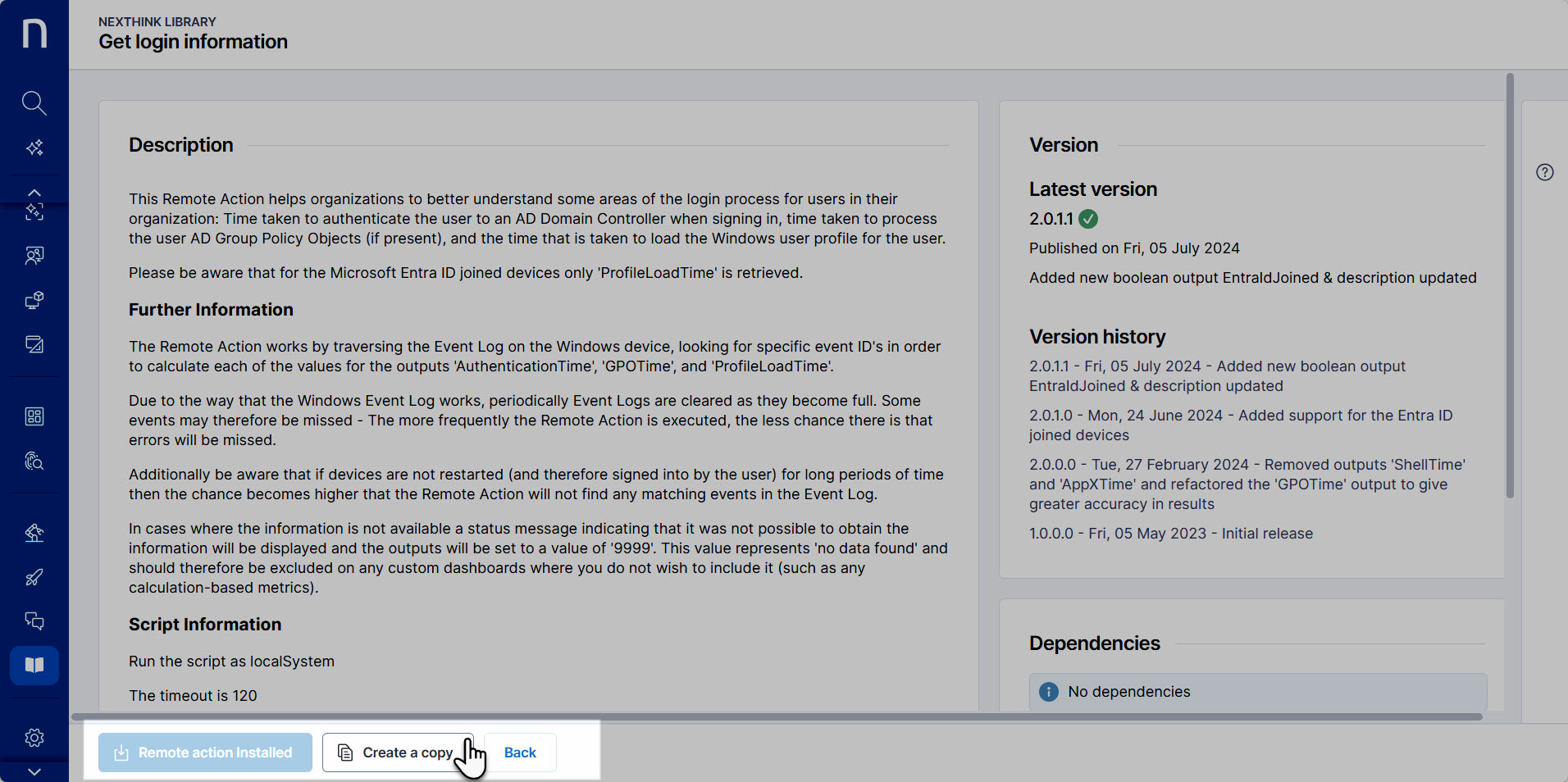
If your organization wants to use a Nexthink Library solution but still needs the flexibility to modify it, Nexthink users can create a copy of the content using the **Create a copy** option in the **Nexthink Library** module. This allows for the duplication of an existing library item without modifying the original built-in version.
Copying content is useful when you want to preserve the default configuration while creating a version tailored to a different use case. Copied content is fully customizable and is no longer affected by future updates to the original item in the Nexthink Library.
Copied content is labeled as **Copied from library** on the feature's **Administration** page.
***
RELATED CONTENT:
* [Configuring Nexthink](/configuring_nexthink.md)
* [Understanding Nexthink data](/understanding-key-data-platform-concepts.md)
* [Discovering Nexthink](/overview.md)
* [Nexthink Library](/user-guide/nexthink-library.md)
* [Library packs](/library-packs.md)
* [Roles](/user-guide/administration/account-management/roles.md#roles-permissions)
---
# Agent Instructions
This documentation is published with GitBook. GitBook is the documentation platform designed so that both humans and AI agents can read, navigate, and reason over technical content effectively. Learn more at gitbook.com.
## Querying This Documentation
If you need additional information that is not directly available in this page, you can query the documentation by asking a question.
Perform an HTTP GET request on the following URL with the `ask` and `goal` query parameters:
```
GET https://docs.nexthink.com/getting-started/understanding-nexthink-content.md?ask=&goal=
```
`ask` is the immediate question: it should be specific, self-contained, and written in natural language.
`goal` is what the user is ultimately trying to achieve, the reason they need the answer. Sharing it helps GitBook give you a better, more relevant answer. A goal is most helpful when it describes the outcome the user wants rather than restating the question. For example, with `ask=how do I create an API token`, a goal like `automate deployments from our CI pipeline` lets GitBook tailor the answer to that use case.
The response will contain a direct answer to the question and relevant excerpts and sources from the documentation.
Use this mechanism when the answer is not explicitly present in the current page, you need clarification or additional context, or you want to retrieve related documentation sections.