> For the complete documentation index, see [llms.txt](https://docs.nexthink.com/llms.txt). Markdown versions of documentation pages are available by appending `.md` to page URLs; this page is available as [Markdown](https://docs.nexthink.com/user-guide/campaigns/working-with-campaigns/answering-a-campaign.md).
# Understanding employee experience with campaigns
## Initial prompt
Nexthink campaigns start by displaying the first question as a popup on the employee's screen.
To match the operating system’s native notifications behavior, the system displays a campaign on a Windows device in the bottom-right corner of the screen. On a MacOS device, the system displays the campaign window in the top-right corner of the screen.
Upon receiving a campaign, employees can choose to:
* Answer it immediately.
* Decline to participate in the campaign or choose to postpone the campaign, only available if the campaign is not mandatory
## Answering a campaign
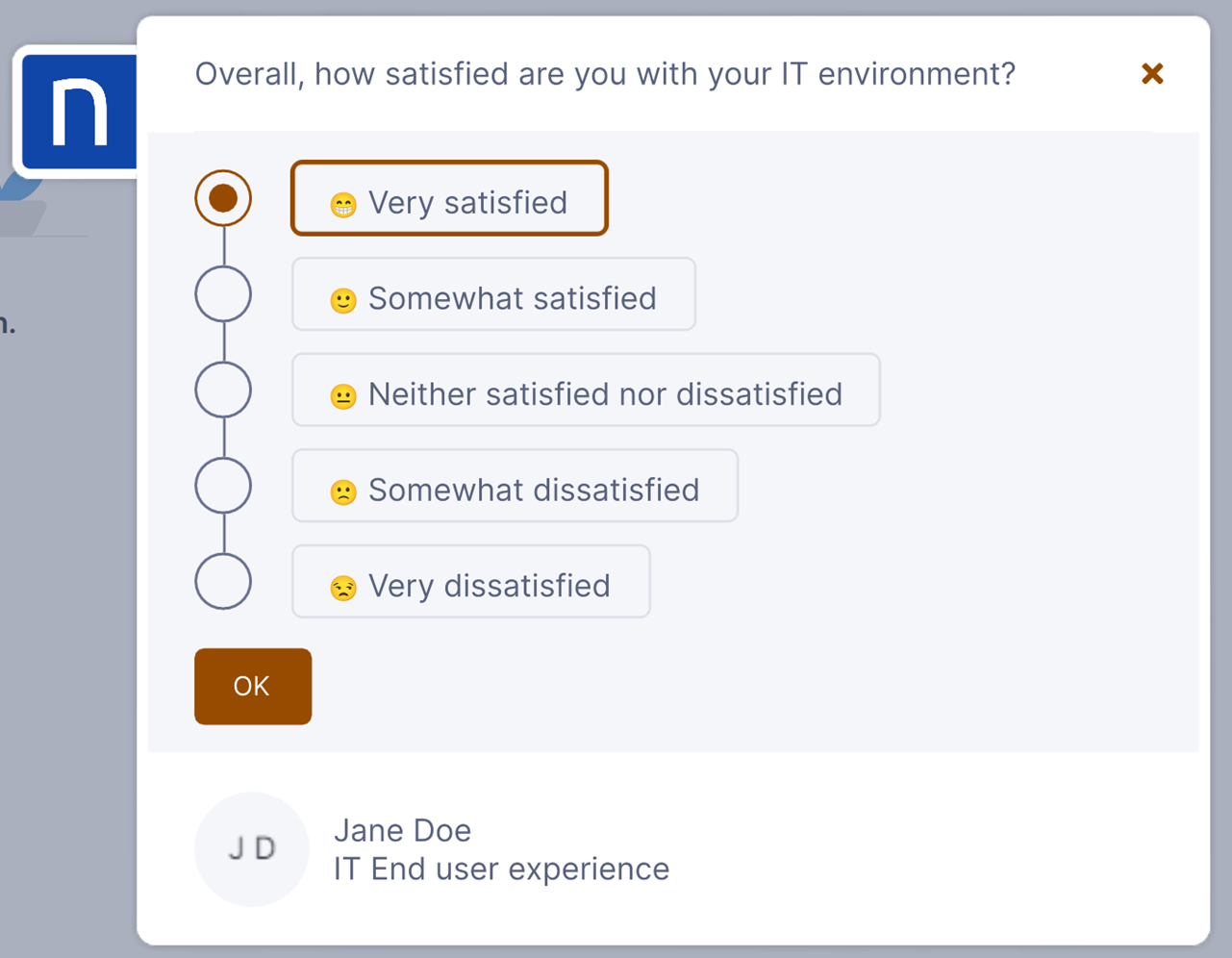
The prompt expands at the start of the campaign, showing campaign recipients all the necessary information while guiding them through the various steps.
## Skipping a campaign
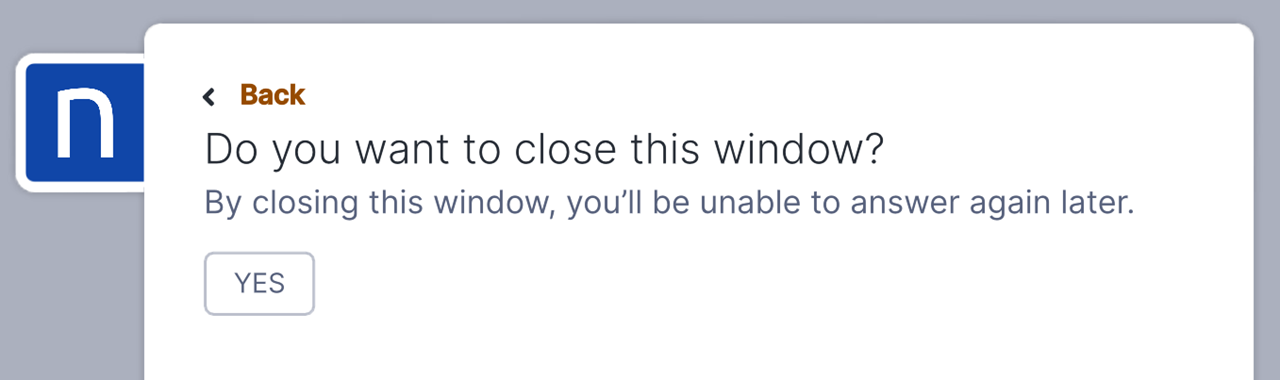
Campaign recipients can discard a campaign using the cross icon, which suspends the process and allows to confirm one of the following options:
* The recipient doesn’t want to participate in a campaign, and the campaign response is listed as declined. Campaigns triggered by a remote action cannot be skipped.
* The recipient would like to go back to the previous question.
* The recipient would like to put the campaign on hold for now and get back to it later using the **Remind me later** option.
{% hint style="info" %}
Note that this is not applicable for campaigns configured to be mandatory.
{% endhint %}
### Remind me later
If the campaign recipient chooses to postpone the campaign, it will keep appearing after a period of at least 12 hours until one of the following scenarios happens:
* The recipient answers the campaign partially or fully.
* The recipient declines to participate in the campaign.
* You retire the campaign.
* The campaign response expires after exceeding its time-to-live period. For API and Workflow triggers, the value is specified when the campaign is triggered. For other types of campaigns, the campaign remains valid for one year.
{% hint style="info" %}
Note that this is not applicable for campaigns configured to be mandatory.
{% endhint %}
{% hint style="info" %}
The choice to postpone a campaign and reminders work with all types of campaigns, except for those triggered by remote actions.
{% endhint %}
## Other campaign window settings
By default, the system enables the text, *Powered by Nexthink,* to be displayed on the final message of campaigns. You can hide the text if the system runs Collectors version 21.6.1 or later.
---
# Agent Instructions
This documentation is published with GitBook. GitBook is the documentation platform designed so that both humans and AI agents can read, navigate, and reason over technical content effectively. Learn more at gitbook.com.
## Querying This Documentation
If you need additional information that is not directly available in this page, you can query the documentation by asking a question.
Perform an HTTP GET request on the following URL with the `ask` and `goal` query parameters:
```
GET https://docs.nexthink.com/user-guide/campaigns/working-with-campaigns/answering-a-campaign.md?ask=&goal=
```
`ask` is the immediate question: it should be specific, self-contained, and written in natural language.
`goal` is what the user is ultimately trying to achieve, the reason they need the answer. Sharing it helps GitBook give you a better, more relevant answer. A goal is most helpful when it describes the outcome the user wants rather than restating the question. For example, with `ask=how do I create an API token`, a goal like `automate deployments from our CI pipeline` lets GitBook tailor the answer to that use case.
The response will contain a direct answer to the question and relevant excerpts and sources from the documentation.
Use this mechanism when the answer is not explicitly present in the current page, you need clarification or additional context, or you want to retrieve related documentation sections.