> For the complete documentation index, see [llms.txt](https://docs.nexthink.com/platform/llms.txt). Markdown versions of documentation pages are available by appending `.md` to page URLs; this page is available as [Markdown](https://docs.nexthink.com/platform/ja/whats-new/2022/whats-new-2022.9.md).
# 2022年9月の新着情報
バージョン 2022.9 のリリース日は2022年10月24日です。[リリースノート](https://community.nexthink.com/s/knowledge#release_notes)とダウンロードリンクについては、コミュニティウェブサイトのリリースノートセクションを参照してください。
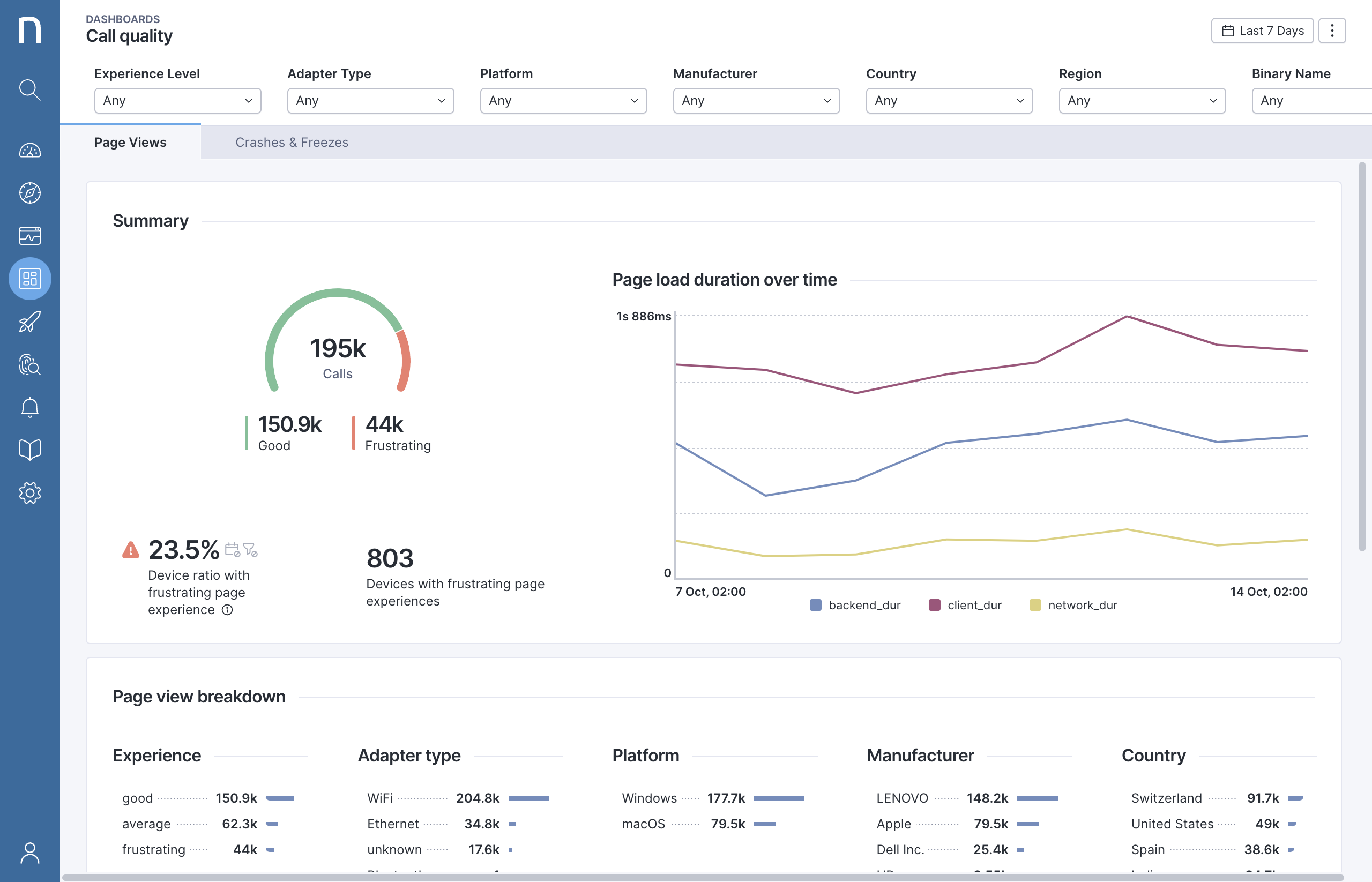
## Live Dashboardsのためのマルチメトリックゲージチャート
マルチメトリックゲージチャートを使用すると、デバイス、ユーザー、イベントの集団にわたる問題の広がりを迅速に評価できます。[ウィジェットタイプ](/platform/ja/user-guide/live-dashboards/widget-types.md)のドキュメントを参照してください。
## Campaignsのためのリッチテキストエディタ
新しいリッチテキスト機能(太字、下線、イタリック、ハイパーリンク、改行)を使用して、魅力的なキャンペーンを作成し、読みやすさを向上させます。技術プレビューで利用可能です。詳細については、[キャンペーンの利用開始](/platform/ja/user-guide/campaigns/working-with-campaigns.md)を参照してください。
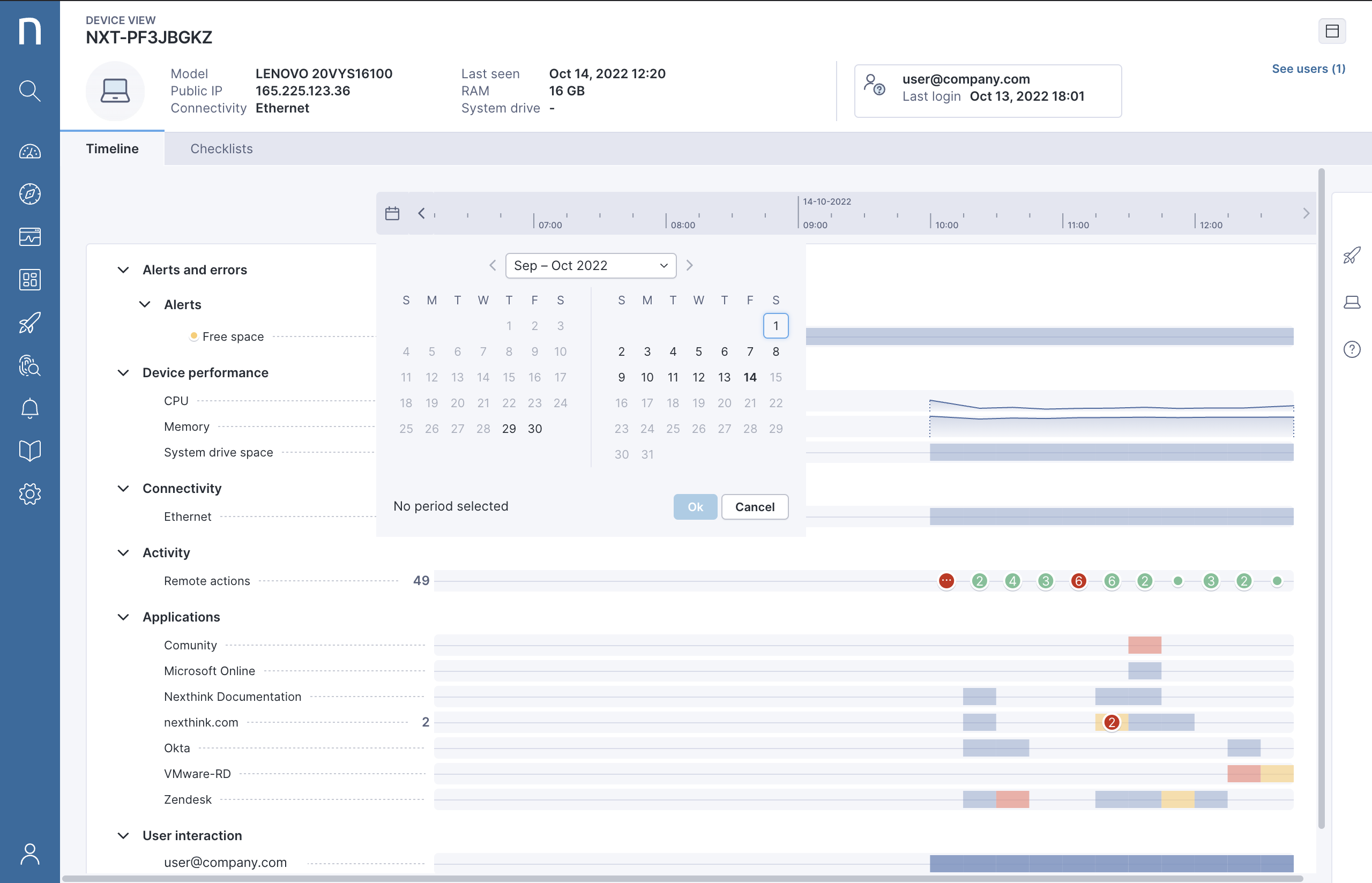
## Device Viewタイムラインのための日付ピッカー
既存のタイムラインスクロール機能に加えて、便利な日付ピッカーを使用して、タイムラインで特定の日付に迅速に移動できます。 [Device View](/platform/ja/user-guide/device-view.md)ドキュメントを参照してください。
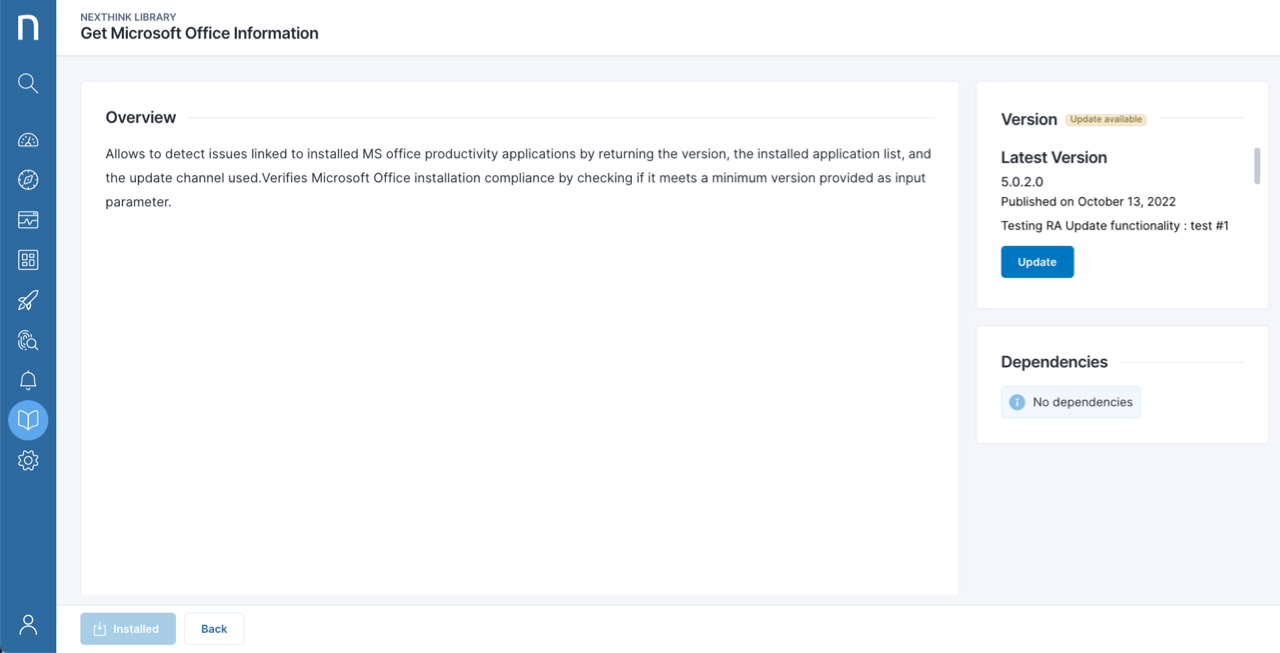
## インプロダクトでのNexthink Libraryのコンテンツの更新
商品内のNexthink Libraryで更新されたライブラリコンテンツを直接紹介し、ボタンをクリックするだけで簡単に更新できます。 [Nexthink Library](/platform/ja/user-guide/nexthink-library.md)ドキュメントを参照してください。
## ユーザー管理の改善
管理者は、ユーザーを検索し、ユーザーの最後のログイン成功時刻を確認し、成功したログイン数に基づいてNexthinkの利用状況を測定できます。詳細については、[ユーザーの追加](/platform/ja/user-guide/administration/account-management.md) ドキュメントを参照してください。
## リモートアクションのコンテンツ権限
リモートアクションのアクセス権を割り当てることで、どのユーザープロファイルが特定のリモートアクションを実行または編集できるか、その実行ダッシュボードを表示できるかを制御できます。この機能は、ロールアウト後、数日以内にすべての顧客に順次公開されます。詳細については、[Manage remote actions](/platform/ja/user-guide/remote-actions/setting-up-and-managing-remote-actions/managing-remote-actions.md) ドキュメントを参照してください。
## webアプリのための位置情報
場所に基づいてwebアプリケーションを使用する従業員のExperienceを測定し、ジオロケーションと関連付けることで、遅延やエラー問題をトラブルシューティングするのに役立ちます。詳しくは、[採用](broken://pages/JsAwIfk4oN00TDHAkSt9)、[速度](broken://pages/8HBxS9lpUHPASRVRjOnE)、および[信頼性](broken://pages/lz1JpFBMEKXpog1mzuDT)のドキュメントを参照してください。
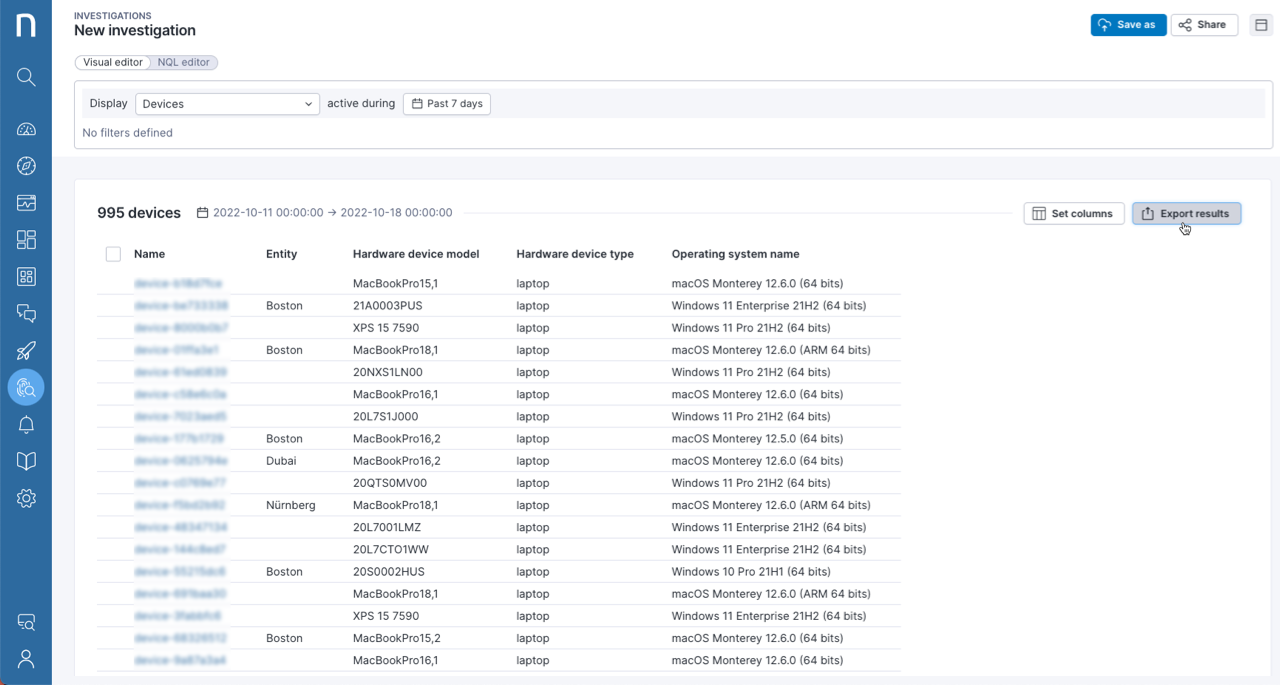
## Investigationの結果をCSVにエクスポート
任意のInvestigationの結果をCSVファイルとして簡単にエクスポートし、お好みのツールでさらに分析を行うことができます。
## インストールおよびアンインストールイベントを確認
ビジネスアプリケーションの導入を追跡し、任意のエンドポイントにインストールされているパッケージを確認するためのInvestigationを実行して、未使用のアプリケーションのライセンスコストを最適化します。
## 新しいオブジェクトプロパティ: `first_seen`
デバイス、ユーザー、バイナリ、またはパッケージがネットワークで最初に表示されたときの確認を行い、たとえば新規ユーザーのためのキャンペーンを開始したり、webhooksを使用してアクションを実行したりすることで、プロセスの検証やWorkflowのトリガーを行います。
## チャートでのビジュアルしきい値
しきい値をライブダッシュボードのチャートに表示し、すぐにアクションが必要なときを確認できます。[ライブダッシュボードの管理](/platform/ja/user-guide/live-dashboards/managing-live-dashboards.md)ドキュメントを参照してください。
## Nexthink Libraryのコンテンツ依存関係を表示
ライブラリコンテンツの依存関係を理解し、たとえば特定のダッシュボードが情報を照会するために特定のリモートアクションのインストールを必要とするかどうかを確認するために、商品内で直接表示します。詳細については、[Nexthink Library](https://nexthink.gitbook.io/opd/user-guide/nexthink-library)ドキュメントを参照してください。
## Library pack: インテリジェントなハードウェアの更新
ユーザーのデジタルExperienceに影響を与えずに、コストを削減し、チップ不足に対処し、CO2排出量を削減するために、延長使用またはアップグレードの候補であるエンドオブライフのデバイスを特定します。まだ良いDEXスコアを持つエンドオブライフのデバイスについて従業員の意識を高め、延長使用を受け入れる候補者のリストをエンドユーザーコンピューティングのTeamsに提供します。
## チェックリストにリモートアクションの出力を表示
カスタムチェックリストにリモートアクションの結果を使用して、たとえば平均起動時間や過去24時間のクラッシュ回数など、デバイスの健康状態を評価するための追加情報を提供します。
---
# Agent Instructions
This documentation is published with GitBook. GitBook is the documentation platform designed so that both humans and AI agents can read, navigate, and reason over technical content effectively. Learn more at gitbook.com.
## Querying This Documentation
If you need additional information that is not directly available in this page, you can query the documentation dynamically by asking a question.
Perform an HTTP GET request on the current page URL with the `ask` query parameter, and the optional `goal` query parameter:
```
GET https://docs.nexthink.com/platform/ja/whats-new/2022/whats-new-2022.9.md?ask=&goal=
```
`ask` is the immediate question: it should be specific, self-contained, and written in natural language.
`goal` is optional and describes the broader end goal you are ultimately trying to accomplish on behalf of the user. GitBook uses it to tailor the answer towards what is most useful for that goal.
The response will contain a direct answer to the question and relevant excerpts and sources from the documentation.
Use this mechanism when the answer is not explicitly present in the current page, you need clarification or additional context, or you want to retrieve related documentation sections.