> For the complete documentation index, see [llms.txt](https://docs.nexthink.com/platform/llms.txt). Markdown versions of documentation pages are available by appending `.md` to page URLs; this page is available as [Markdown](https://docs.nexthink.com/platform/ja/whats-new/2022/whats-new-2022.7.md).
# 2022年7月の新着情報
このページでは、Nexthink Experience Platformにおける今後の変更点を紹介します。
バージョン2022.7は、2022年8月15日から全世界で展開可能となります。リリースノートとダウンロードリンクについては、[リリースノート](https://community.nexthink.com/s/knowledge#release_notes)セクションをコミュニティウェブサイトでご覧ください。
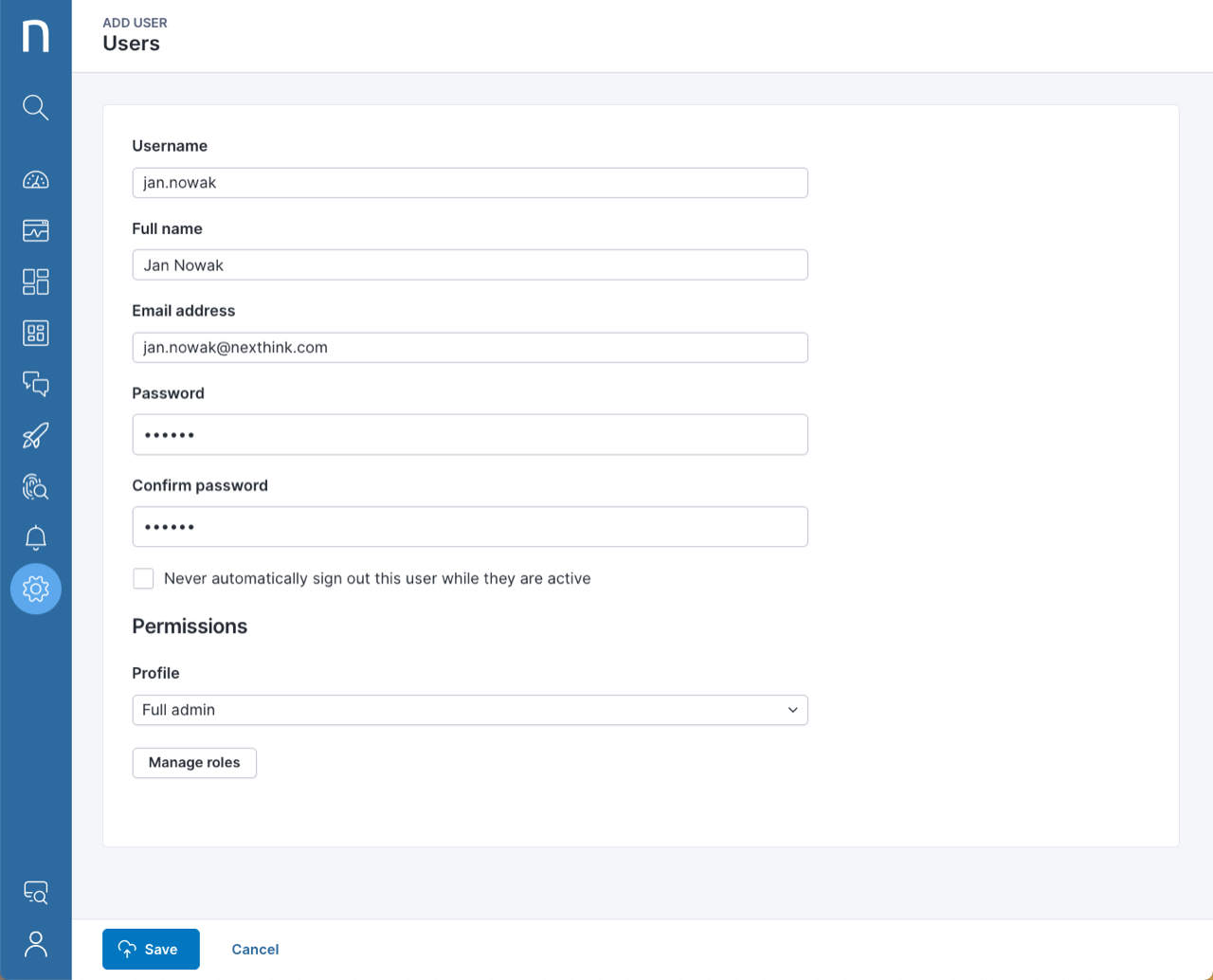
## 新しいユーザー管理ページ
改良されたユーザーインターフェースで、ユーザーとユーザーのプロビジョニングを管理します。 SSOグループとプロファイル間のマッピングの順序をワンクリックで変更できるようになりました。詳細については、[ユーザーを追加する](https://nexthink.gitbook.io/opd/user-guide/administration/account-management)および[ユーザーアカウントのJITプロビジョニング](https://nexthink.gitbook.io/opd/user-guide/administration/account-management/users-classic)のオンラインドキュメントを参照してください。この機能はリリース日以降、段階的にお客様に展開されます。
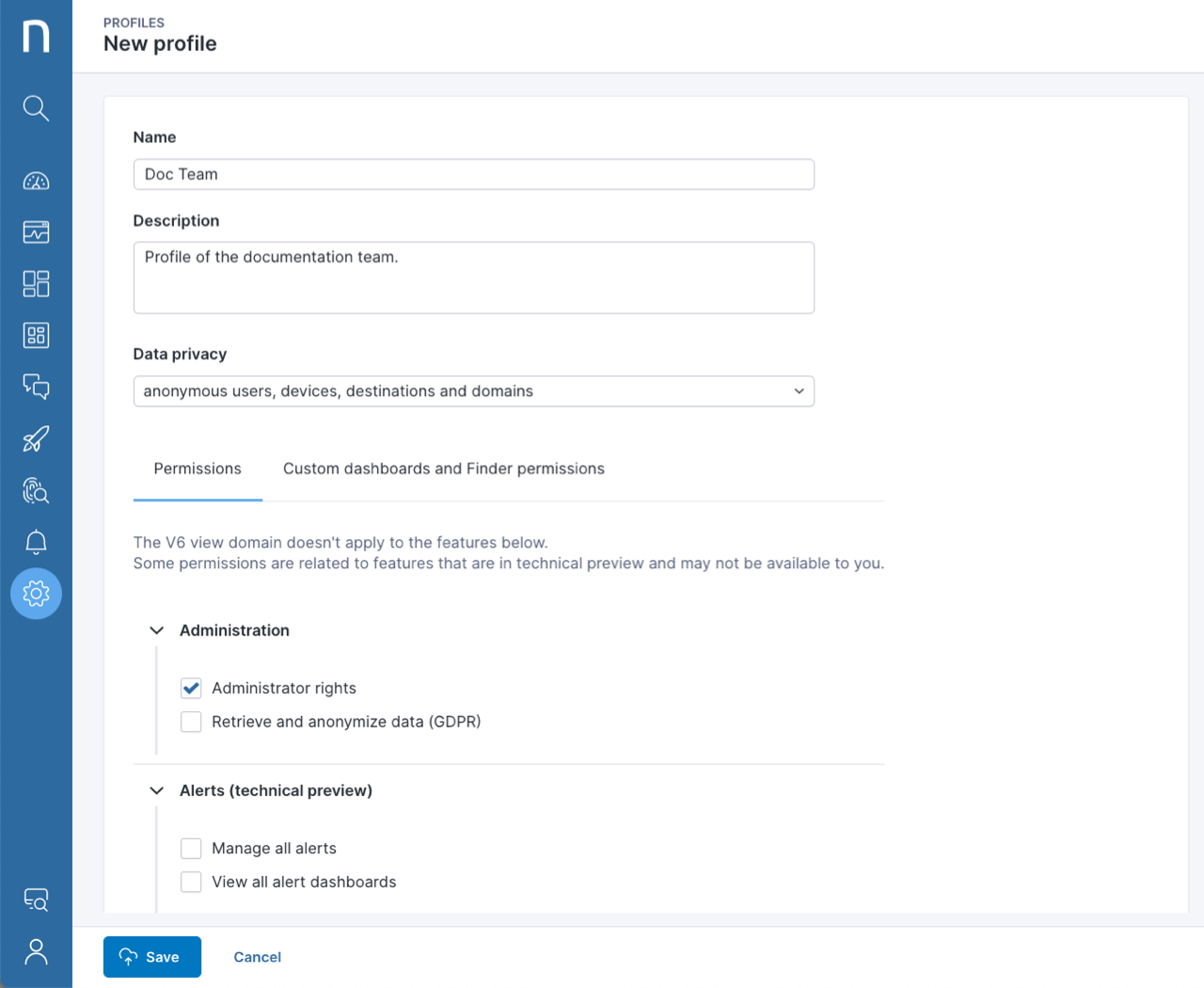
## 新しいプロファイル管理ページ
新たにデザインされたプロファイル管理ページで、ユーザー権限とアクセス権を設定します。異なるレベルのデータプライバシーで管理特権を簡単に割り当て、ユーザーがNexthink Platformのさまざまなモジュールにアクセスできるようにします。詳細については、[ユーザーを追加する](https://nexthink.gitbook.io/opd/user-guide/administration/account-management)のオンラインドキュメントを参照してください。この機能はリリース日以降、段階的にお客様に展開されます。
## ライブラリ: macOSデバイスのコンプライアンス状態を確認
この新しいLibrary packを使用して、macOSのコンプライアンス状態をすぐに把握できます。 ITおよびセキュリティチームは、設定の誤りを迅速に検出し修正することで、セキュリティリスクを低減し、効率的にコンプライアンスを強化できます。 [macOS用コンプライアンス状態ライブラリパック](https://www.nexthink.com/library/macos-ensure-compliance-state/)をダウンロードしてください。
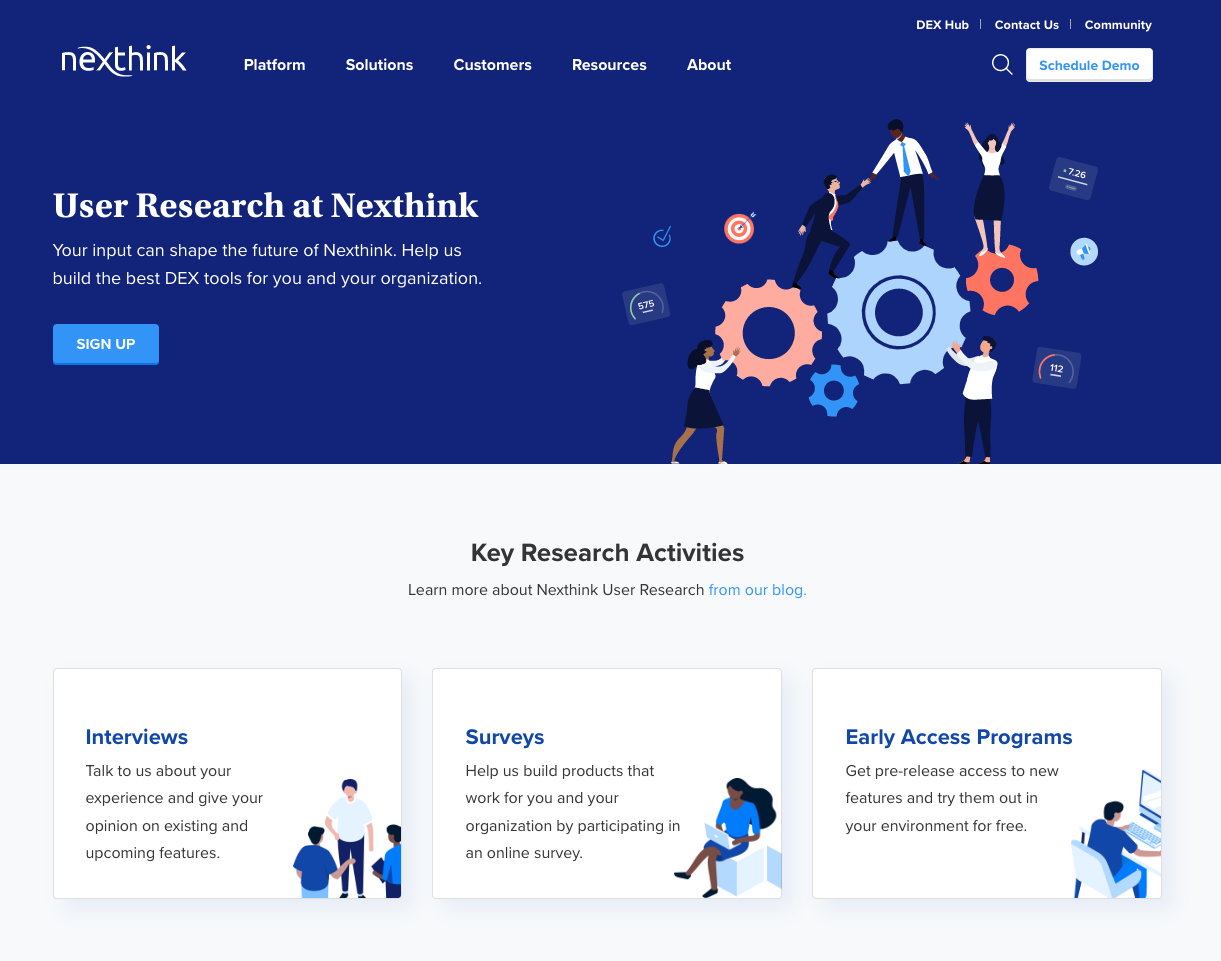
## 新しいユーザー調査ウェブサイト
あなたの意見でNexthinkの未来を形作りましょう。インタビュー、調査、早期アクセスプログラムを通じて既存および今後の製品機能について意見を共有し、あなたとあなたの組織に最適なデジタル従業員Experience (DEX) ツールを構築するのにNexthinkを手助けしてください。 [Nexthink ユーザー調査ウェブサイト](https://www.nexthink.com/user-research/) を訪れ、私たちのユーザー調査コミュニティに登録して参加してください!
---
# Agent Instructions
This documentation is published with GitBook. GitBook is the documentation platform designed so that both humans and AI agents can read, navigate, and reason over technical content effectively. Learn more at gitbook.com.
## Querying This Documentation
If you need additional information that is not directly available in this page, you can query the documentation dynamically by asking a question.
Perform an HTTP GET request on the current page URL with the `ask` query parameter, and the optional `goal` query parameter:
```
GET https://docs.nexthink.com/platform/ja/whats-new/2022/whats-new-2022.7.md?ask=&goal=
```
`ask` is the immediate question: it should be specific, self-contained, and written in natural language.
`goal` is optional and describes the broader end goal you are ultimately trying to accomplish on behalf of the user. GitBook uses it to tailor the answer towards what is most useful for that goal.
The response will contain a direct answer to the question and relevant excerpts and sources from the documentation.
Use this mechanism when the answer is not explicitly present in the current page, you need clarification or additional context, or you want to retrieve related documentation sections.