> For the complete documentation index, see [llms.txt](https://docs.nexthink.com/llms.txt). Markdown versions of documentation pages are available by appending `.md` to page URLs; this page is available as [Markdown](https://docs.nexthink.com/platform/ja/configuring_nexthink/bringing-data-into-your-nexthink-instance/deploying-nexthink-in-non-vdi-environment/installing-collector/windows-collector-references/allowing-untrusted-fonts-for-campaigns.md).
# キャンペーンのための信頼されていないフォントの許可
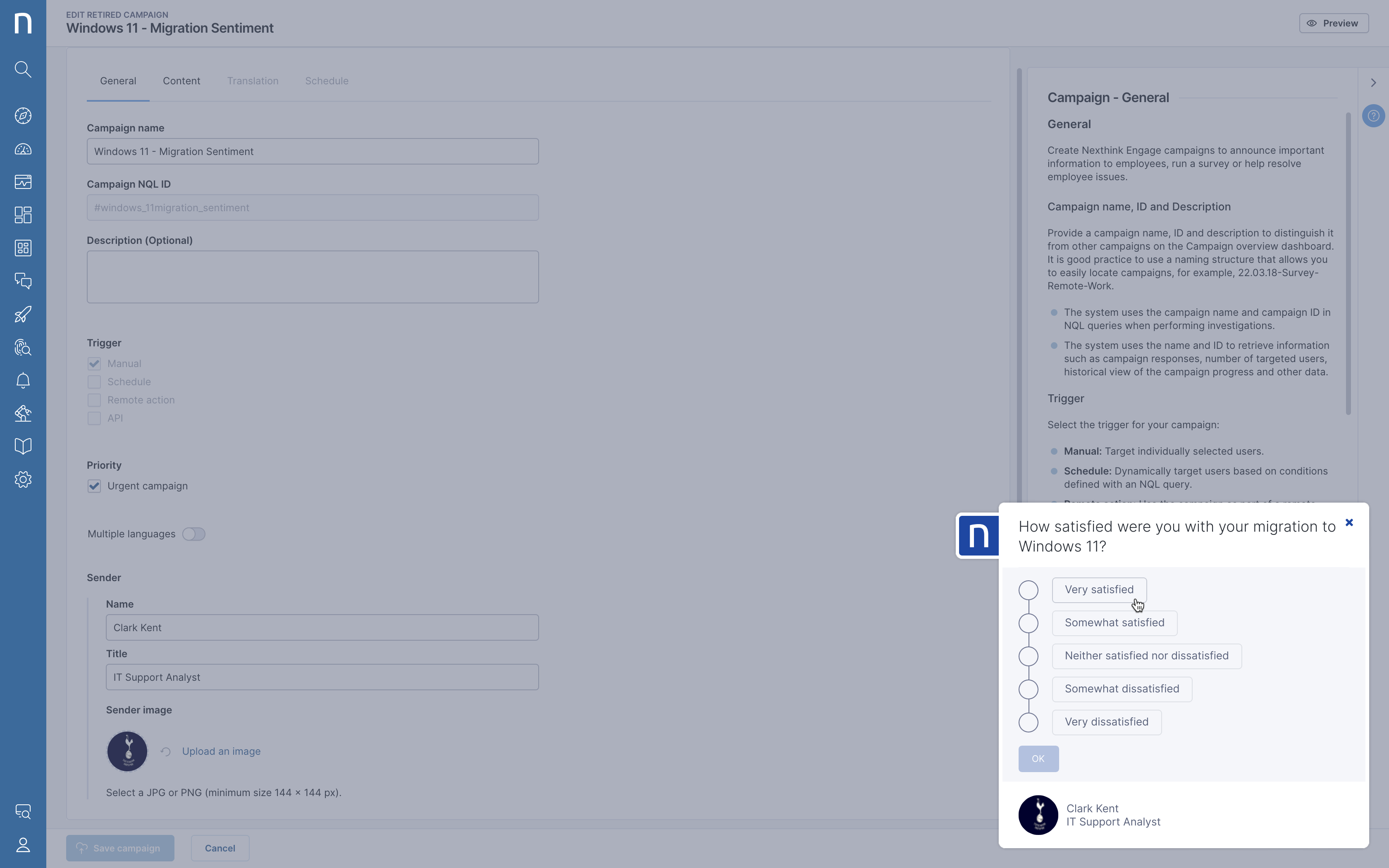
Windowsオペレーティングシステムは、信頼されていないフォントファイルをブロックする機能を提供します。 Nexthinkソフトウェアエージェントは、コンピュータ画面に最適化されたオープンソースのフォントファミリーを使用してキャンペーンテキストをレンダリングします。
ウェブインターフェースを用いたキャンペーンのプレビュー
ウェブインターフェースからのキャンペーンのプレビューは常に正しいフォントを使用します。キャンペーンが常に公式のフォントファミリーを使用してレンダリングされているかどうか疑う場合:
* デバイスに接続してください。
* `%ProgramData%\Nexthink\Logs\User` フォルダ内のローカルログファイルを開き、`nxtray*.log` というラベルの付いたファイルを探します。ここで、`*` はユーザーSIDと数字の組み合わせを表します。
* `QML FontLoader: Cannot load font:` または類似した行を検索してください。
ログファイルの抜粋を以下に示します:
```
[2023-04-13 17:56:51.160][ 7736][10028][W][`anonymous-namespace'::qtMessageHandler] [Qt] qrc:/qml/Constants.qml:157:39: QML FontLoader: Cannot load font: "qrc:/NotoSans-Regular.ttf"
[2023-04-13 17:56:51.160][ 7736][10028][W][`anonymous-namespace'::qtMessageHandler] [Qt] qrc:/qml/Constants.qml:153:39: QML FontLoader: Cannot load font: "qrc:/NotoSansSC-Regular.otf"
[2023-04-13 17:56:51.160][ 7736][10028][W][`anonymous-namespace'::qtMessageHandler] [Qt] qrc:/qml/Constants.qml:149:39: QML FontLoader: Cannot load font: "qrc:/NotoSansJP-Regular.otf"
```
`nxtray.exe` プロセスが信頼されていないフォントを読み込むことを許可するために:
1. すべてのデバイスに`Computer\HKEY_LOCAL_MACHINE\SOFTWARE\Microsoft\Windows NT\CurrentVersion\Image File Execution Options` にレジストリキーを追加し、それを `nxtray.exe` と名付けます。
2. `Computer\HKEY_LOCAL_MACHINE\SOFTWARE\Microsoft\Windows NT\CurrentVersion\Image File Execution Options\nxtray.exe` に `MitigationOptions` という名前の新しいQWORD(64ビット)値を追加し、16進数で`2000000000000`を設定します。
3. 変更を適用するためにWindowsを再起動してください。
---
# Agent Instructions
This documentation is published with GitBook. GitBook is the documentation platform designed so that both humans and AI agents can read, navigate, and reason over technical content effectively. Learn more at gitbook.com.
## Querying This Documentation
If you need additional information that is not directly available in this page, you can query the documentation by asking a question.
Perform an HTTP GET request on the following URL with the `ask` and `goal` query parameters:
```
GET https://docs.nexthink.com/platform/ja/configuring_nexthink/bringing-data-into-your-nexthink-instance/deploying-nexthink-in-non-vdi-environment/installing-collector/windows-collector-references/allowing-untrusted-fonts-for-campaigns.md?ask=&goal=
```
`ask` is the immediate question: it should be specific, self-contained, and written in natural language.
`goal` is what the user is ultimately trying to achieve, the reason they need the answer. Sharing it helps GitBook give you a better, more relevant answer. A goal is most helpful when it describes the outcome the user wants rather than restating the question. For example, with `ask=how do I create an API token`, a goal like `automate deployments from our CI pipeline` lets GitBook tailor the answer to that use case.
The response will contain a direct answer to the question and relevant excerpts and sources from the documentation.
Use this mechanism when the answer is not explicitly present in the current page, you need clarification or additional context, or you want to retrieve related documentation sections.